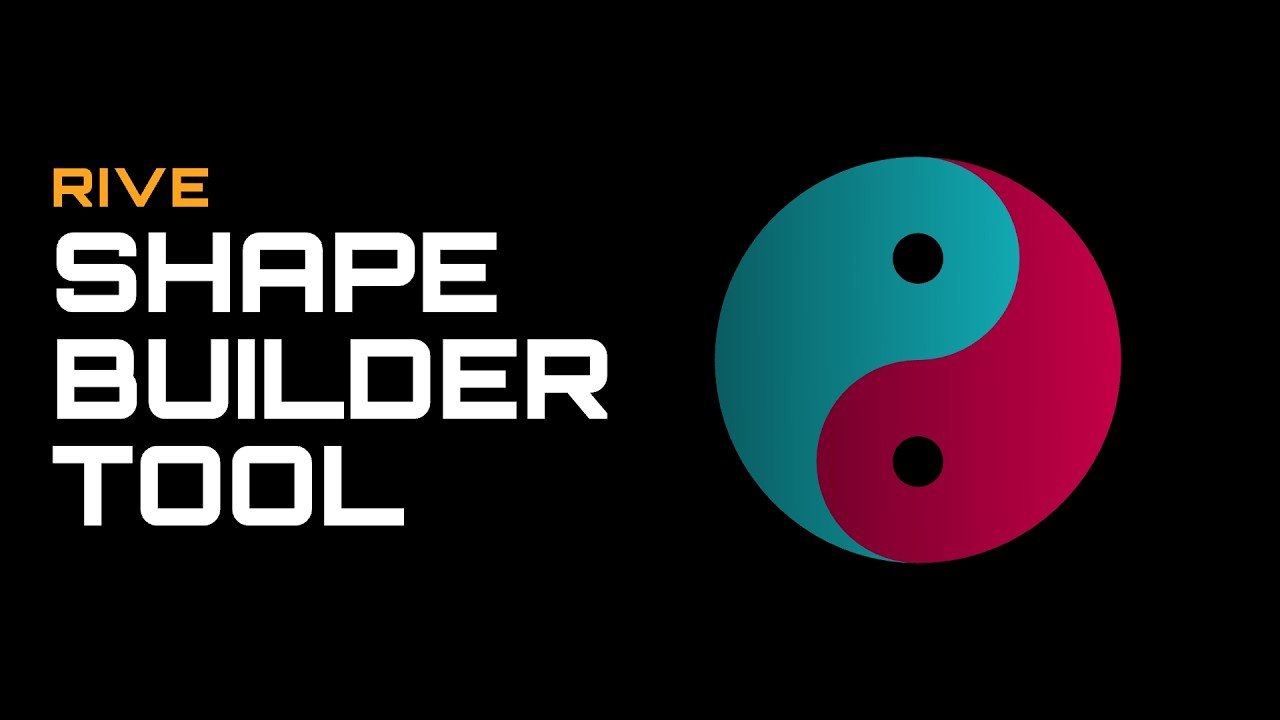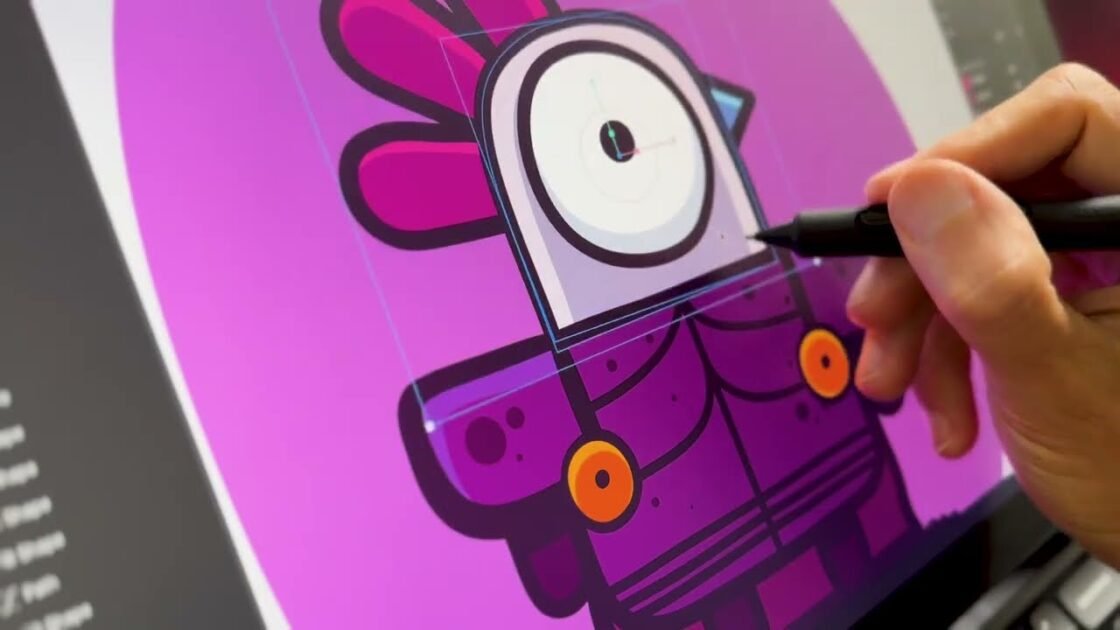

Master complex vector illustration with the Shape Builder tool in Rive to streamline your design workflow. Easily combine or subtract overlapping simple paths into intricate custom shapes directly on your artboard using intuitive click-and-drag controls. Learn how to merge adjacent regions while preserving specific color fills and hierarchy across your vector layers. Speed up your vector editing process by using the Shift+M shortcut and Option/Alt modifiers to quickly punch out clean cutouts. Perfect for motion designers and animators looking to build precise UI assets and scalable artwork efficiently.