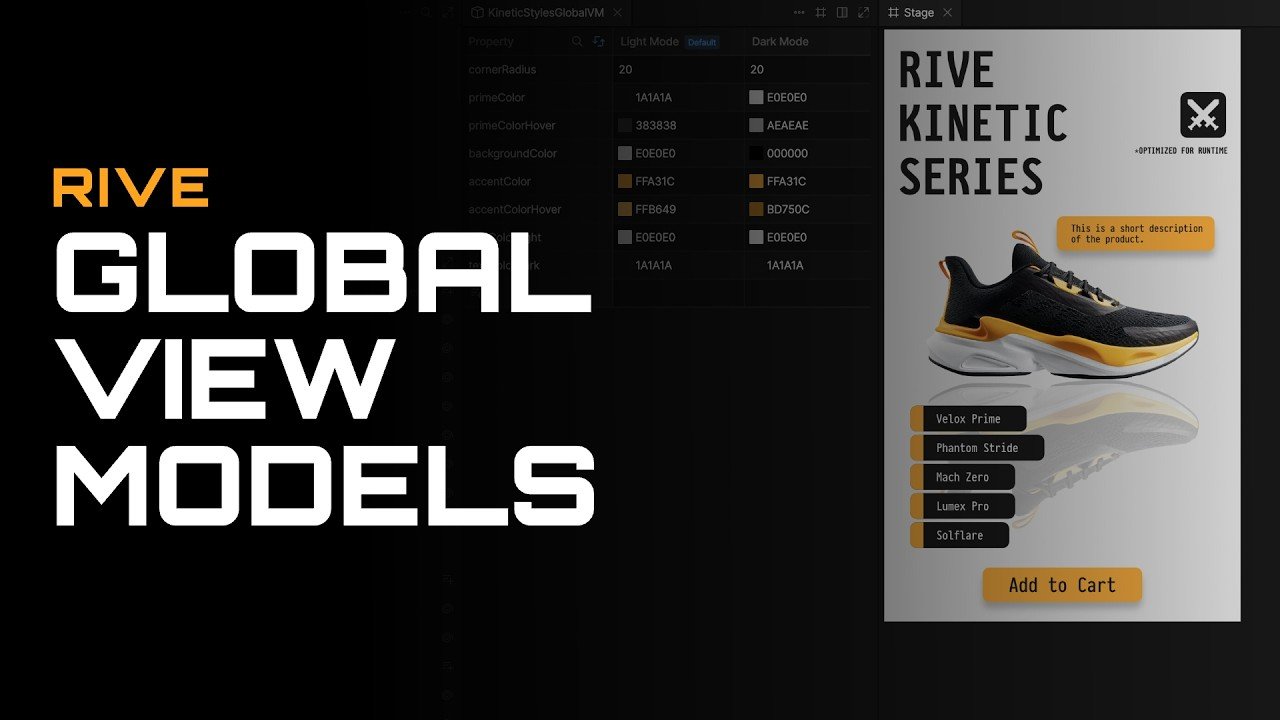

Discover how to streamline your interactive workflow using Global View Models in Rive to share consistent data across every artboard and nested component without tedious manual setup. Learn to build unified design systems by binding central color palettes, corner radii, and theme states seamlessly across your entire project file. Explore combining global variables with local view models to easily override specific component properties like button labels or active states. Uncover advanced applications such as syncing real-time game data across distinct UI components like scorebugs and lower thirds simultaneously. Elevate your motion design architecture by publishing global view models as shared libraries for complete multi-file design consistency.