

Rive Brush Tool: Tips for Drawing, Erasing, and Filling
Digital illustration and organic vector drawing workflows inside real-time animation tools are evolving rapidly. The introduction of the freehand Brush tool, non-destructive Eraser, Bucket...
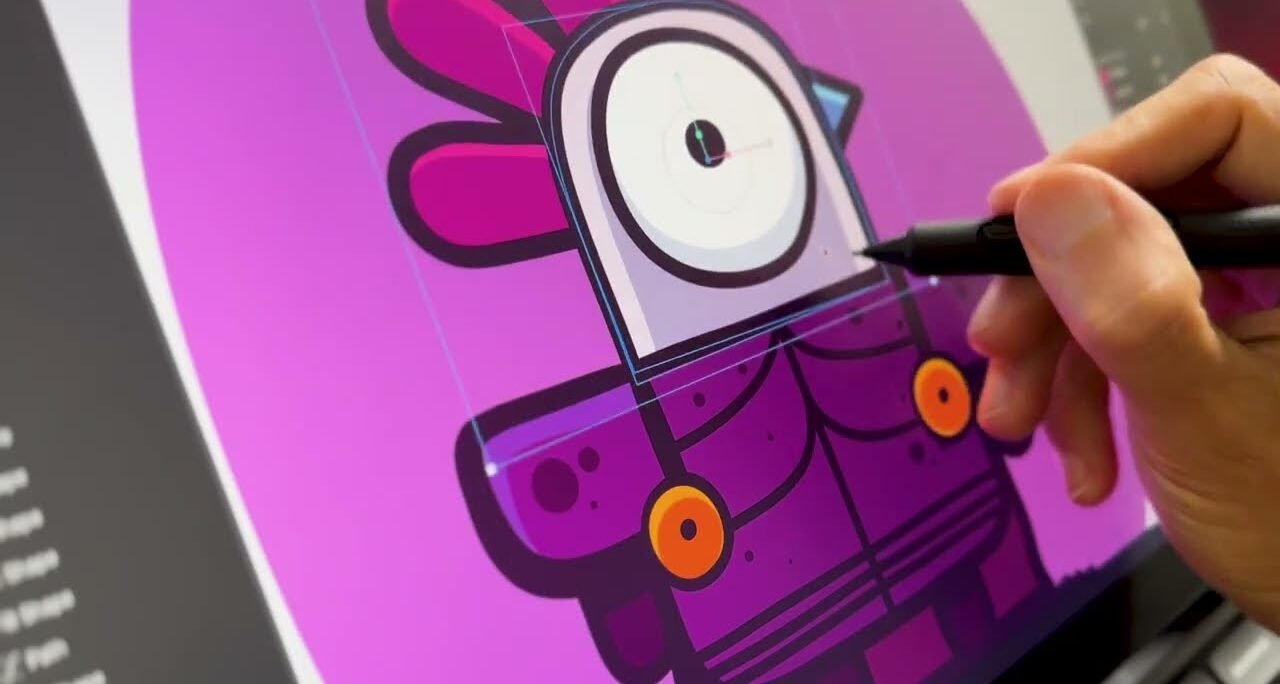
Digital illustration and organic vector drawing workflows inside real-time animation tools are evolving rapidly. The introduction of the freehand Brush tool, non-destructive Eraser, Bucket...
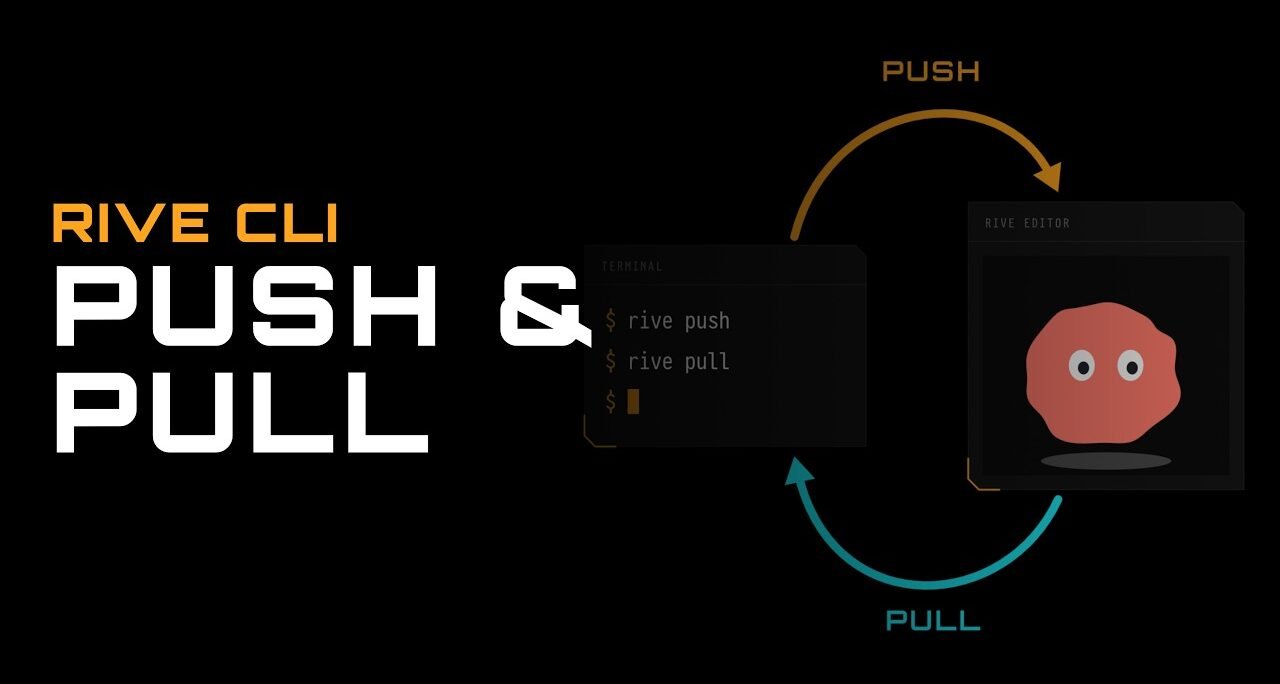
Modern interactive motion design and application development workflows are evolving beyond standalone visual tools. The introduction of the Rive Command Line Interface (CLI) along...
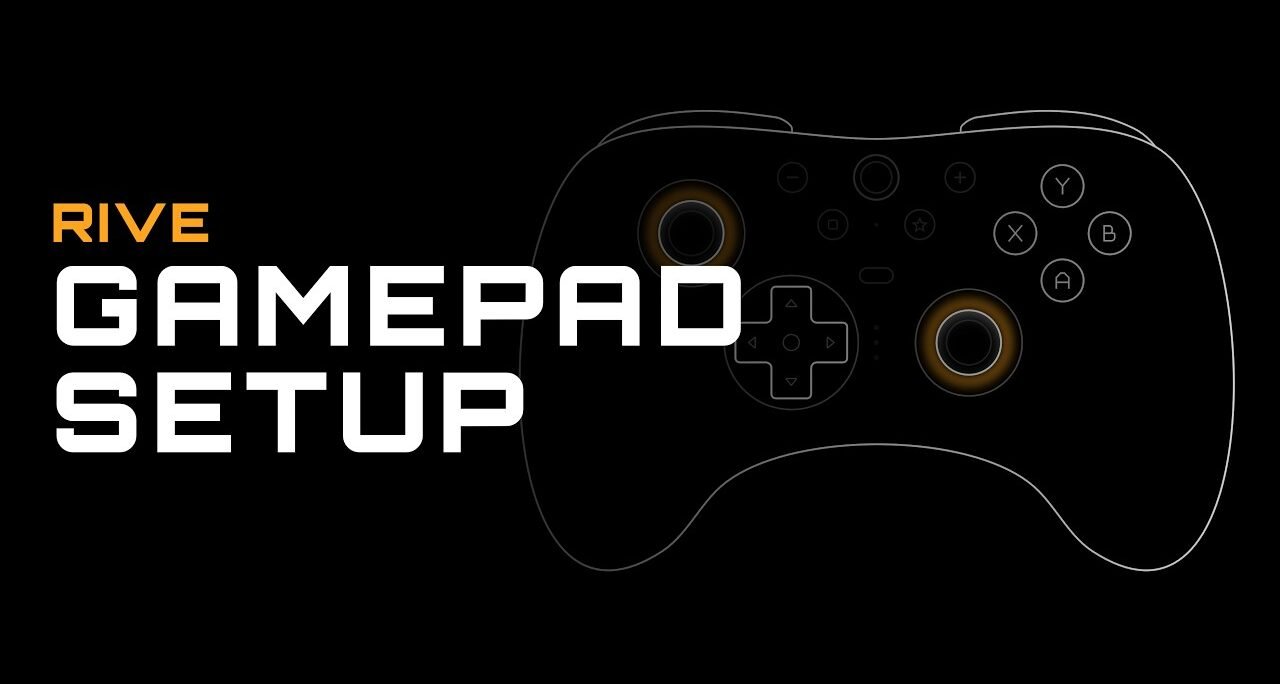
Designing interactive experiences for web applications, desktop software, and video games often requires going beyond basic touch gestures and mouse interactions. Integrating native hardware...
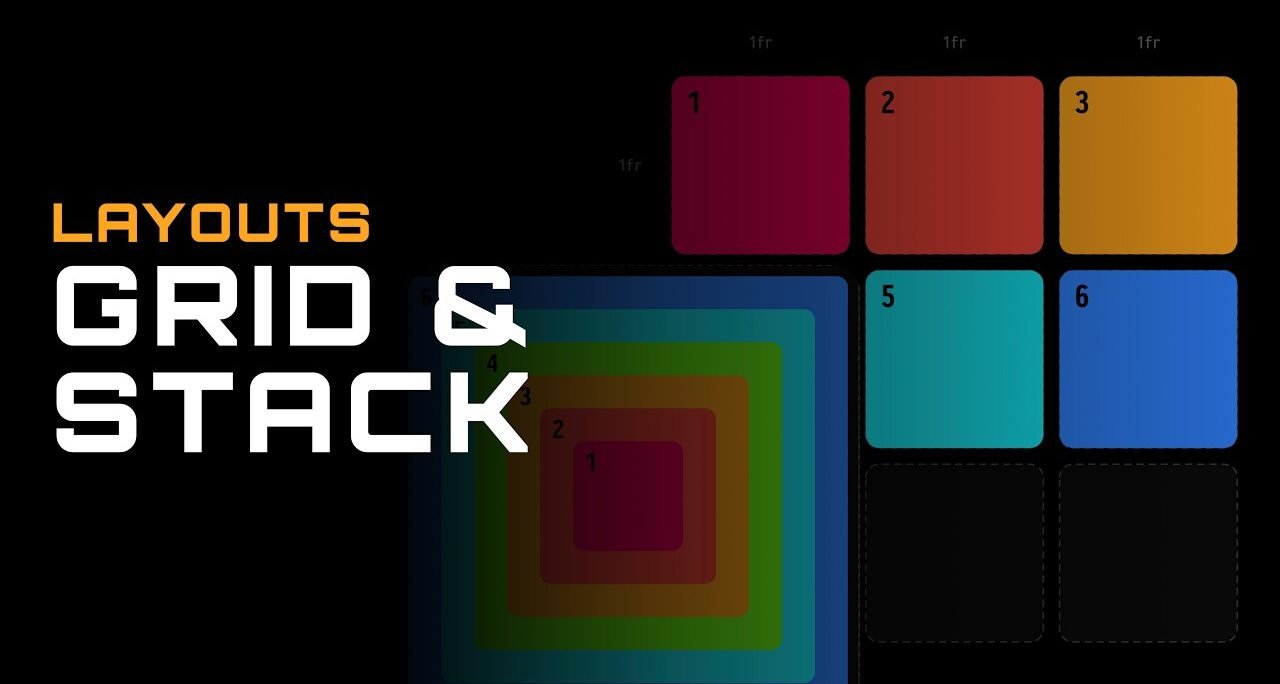
Designing responsive user interfaces and dynamic motion graphics requires powerful layout systems capable of adapting to varying screen dimensions, content sizes, and device displays...
The rapid evolution of generative artificial intelligence and local developer tooling is redefining how software, interactive media, and digital games are prototyped. By pairing...
Modern real-time vector graphics and interactive web animations are advancing beyond traditional keyframing and flat vector paths. The addition of GPU Canvas and custom...
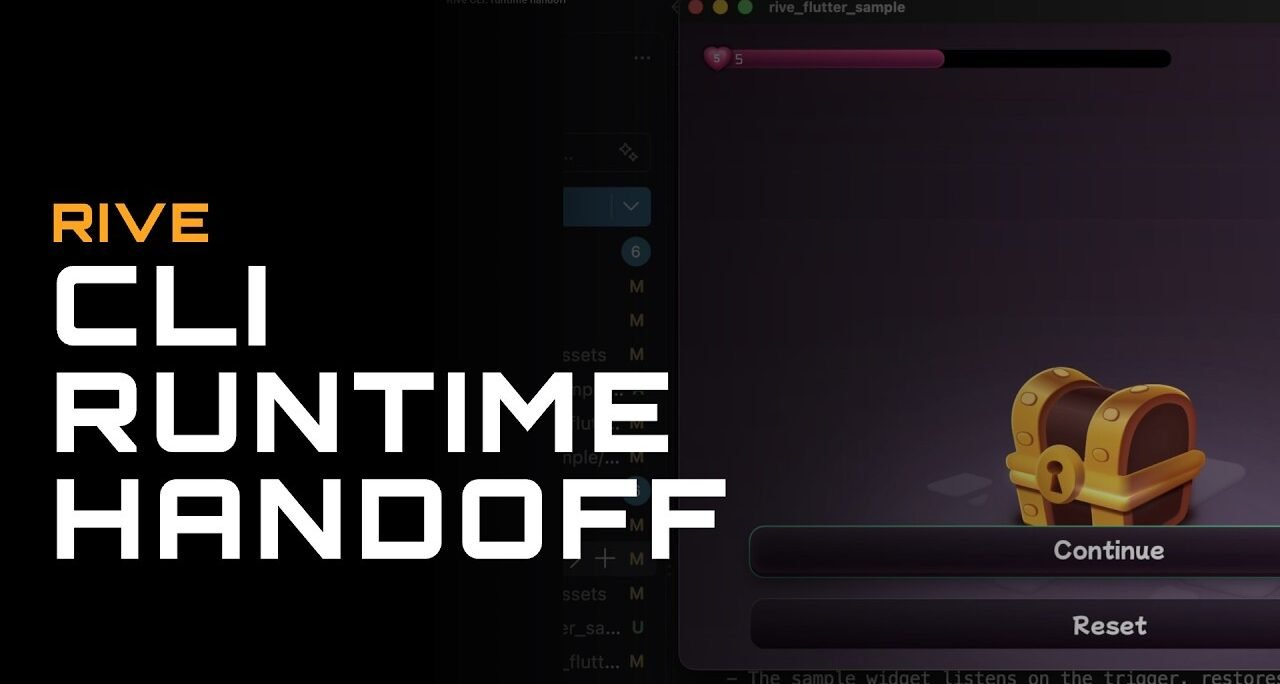
Modern real-time vector animation and interactive design workflows are undergoing a massive shift. The introduction of the Rive Command Line Interface (CLI) and Rive...
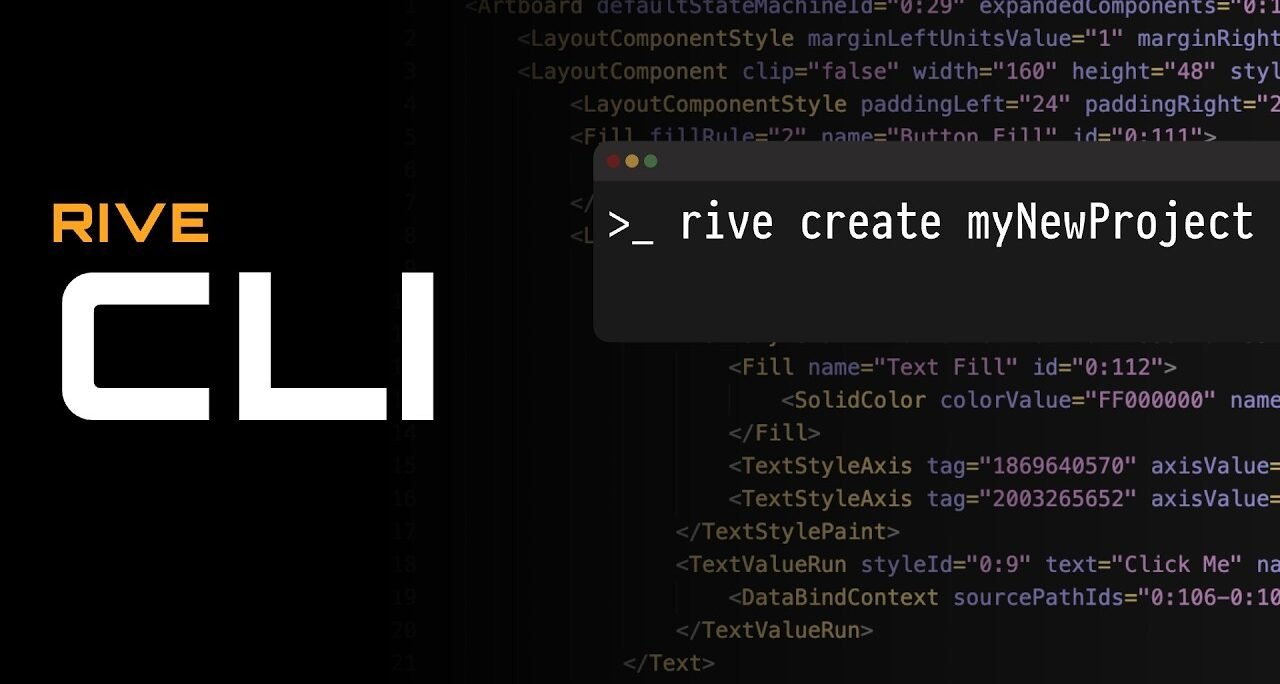
Building real-time interactive motion graphics no longer requires relying exclusively on graphical user interfaces. The Rive Command Line Interface (CLI) introduces a programmatic workflow...

Selecting, manipulating, and deep-navigating vector shapes on a complex canvas is a core skill for motion design, character rigging, and UI animation. The selection...

Every real-time animation, vector design system, and interactive user interface built within Rive begins on the artboard. As the foundational canvas of your workspace...