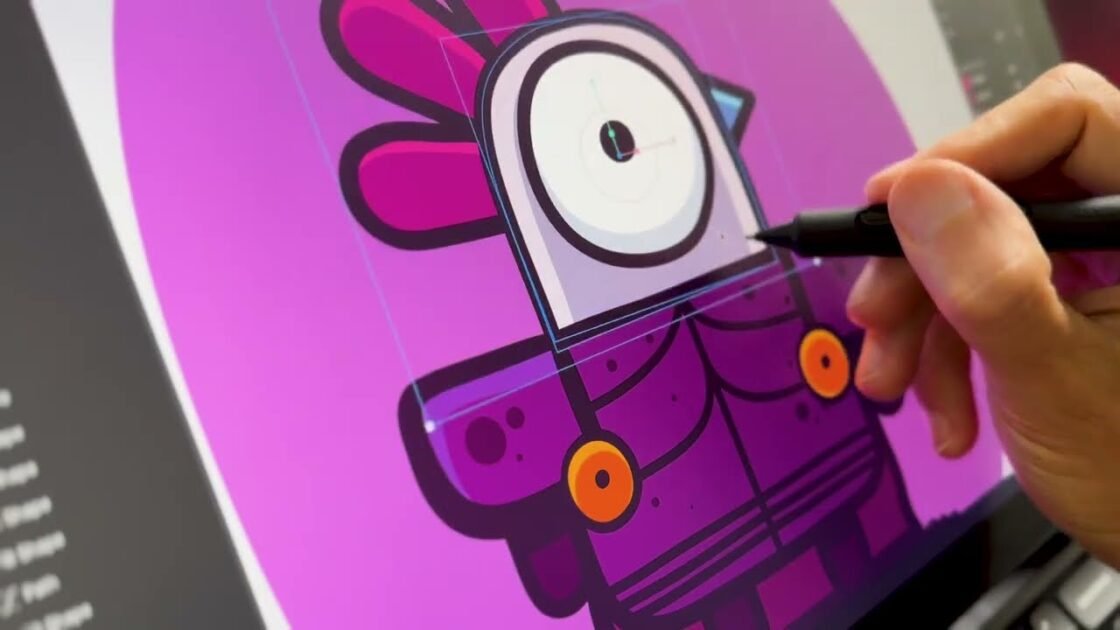

This comprehensive Rive tutorial for beginners provides a complete walkthrough for creating interactive web animations from scratch. The video guide is led by Ross Plasco from the Rive team as he demonstrates how to design, rig, and animate a custom vector character directly within the platform. Viewers will discover efficient design workflows using fundamental shape tools, pen paths, and layer management techniques such as clipping and grouping. The tutorial covers advanced character rigging concepts including anchor point manipulation, bone structures, path point binding, and weighting vertices for smooth skeletal movement. It also demystifies the animation process by exploring the Rive timeline, loop cycles, cubic interpolation easing, and complex path animations using the key all vertices feature. Additionally, the guide breaks down how to construct a walk cycle from scratch, copy keyframe attributes, and build a cohesive root group for global scaling. Finally, users will learn how to leverage the powerful Rive state machine to set up smooth conditions and transition durations between idle and walking states. The tutorial concludes by teaching how to implement interactive listeners and hitboxes that trigger dynamic hover effects based on user cursor behavior. It is an ideal resource for WordPress developers and web designers looking to elevate their sites with lightweight, interactive vector graphics.