
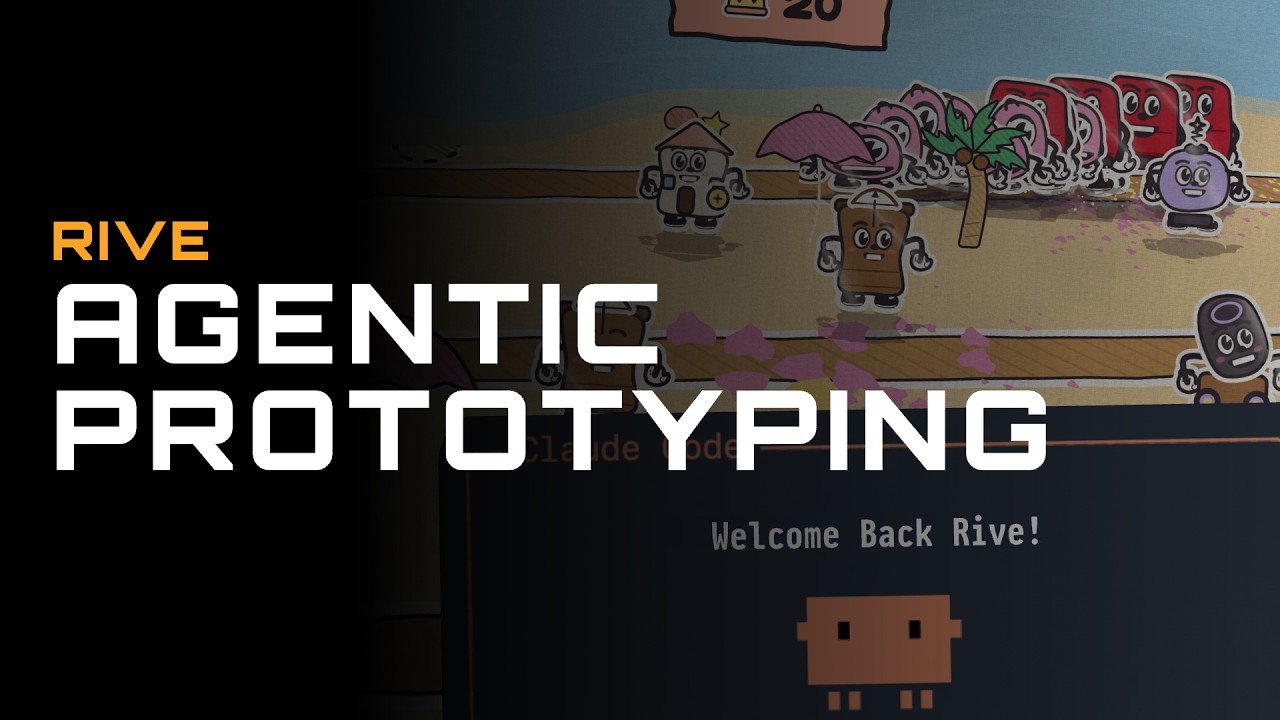
The rapid evolution of generative artificial intelligence and local developer tooling is redefining how software, interactive media, and digital games are prototyped. By pairing terminal-based AI coding agents with the Rive Command Line Interface (CLI), product creators, engineers, and indie developers can transform high-level natural language prompts into working 2D, 2.5D, and 3D prototypes in a single evening. By combining human-readable declarative scene files, Lua scripting, GPU shaders, and live desktop previewing, the CLI collapses the iteration gap between initial concept and playable reality.
Understanding the CLI Pipeline and Agent Mechanics
The strength of the terminal-based development workflow lies in converting binary design assets into structured, text-based codebases that AI agents can inspect, generate, and debug autonomously.
Key elements of the file pipeline include:
- Declarative Scene Architecture (RML): Scene structures, artboard hierarchies, layout bounds, vector shapes, typography, and state machine transitions are defined entirely within RML text files.
- Embedded Logic (Lua Scripts): Game loops, character movement, enemy pathfinding, inventory mechanics, and UI interaction logic are written in Lua scripts linked directly to the scene graph.
- Advanced Graphics Hardware (WGSL Shaders & GPU Canvas): Leverages custom WebGPU Shading Language scripts to render procedural lighting, post-processing filters, atmospheric fog, and 3D meshes side-by-side with 2D vector elements.
- Plain Text Asset Directories: Images, audio files, custom fonts, project manifests (
rive.yaml), and agent instruction guides (AGENTS.md) sit side-by-side in plain project folders, making them easily parseable by terminal tools.
Because agents excel at writing text, executing command-line instructions, inspecting JSON outputs, and capturing headless compilation logs, the CLI environment allows agents to verify scene integrity, run automated unit tests, capture build screenshots, and fix code bugs without human intervention.
The Five-Phase Prototyping Strategy
Building complex interactive software with an AI agent requires a structured, multi-phase execution strategy to prevent project scope drift and generic design results.
Phase 1: Detailed Direction Prompting
Before generating any code, write a comprehensive project direction document. Specify the core gameplay loop, camera perspective (such as 2.5D orthographic billboards), visual theme (like pastel colors or click-outline aesthetic), target scope, main menus, and functional mechanics. The clearer your initial vision, the less the model relies on generic defaults.
Phase 2: Interactive Planning and Milestone Mapping
Instead of immediately requesting a complete application, instruct the agent to generate a detailed build plan. Force the agent to ask clarifying questions grouped by topic—such as architecture, art direction, and economy balance—before writing a single line of scene markup. Once answered, the agent produces a multi-milestone roadmap where each step is small, self-contained, and testable.
Phase 3: Milestone-Driven Construction and Automated Gates
Execute the build roadmap sequentially, enforcing one milestone at a time (e.g., “Implement Milestone 1 and commit upon completion”). Every milestone concludes with an automated verification gate where the agent compiles the project, runs unit tests, inspects console logs for runtime errors, and captures headless screenshots to verify visual output before proceeding.
Phase 4: Conversational Iteration and Refinement
Once the base prototype is operational, act as a creative director to refine features conversational prompt by prompt. Request specific functional adjustments—such as changing particle fade-out scaling, adjusting UI border radiuses, or adding procedural foil card shaders. If an experimental feature or visual effect misses the mark, use Git source control to revert changes cleanly.
Phase 5: The Manual Visual and Artistic Pass
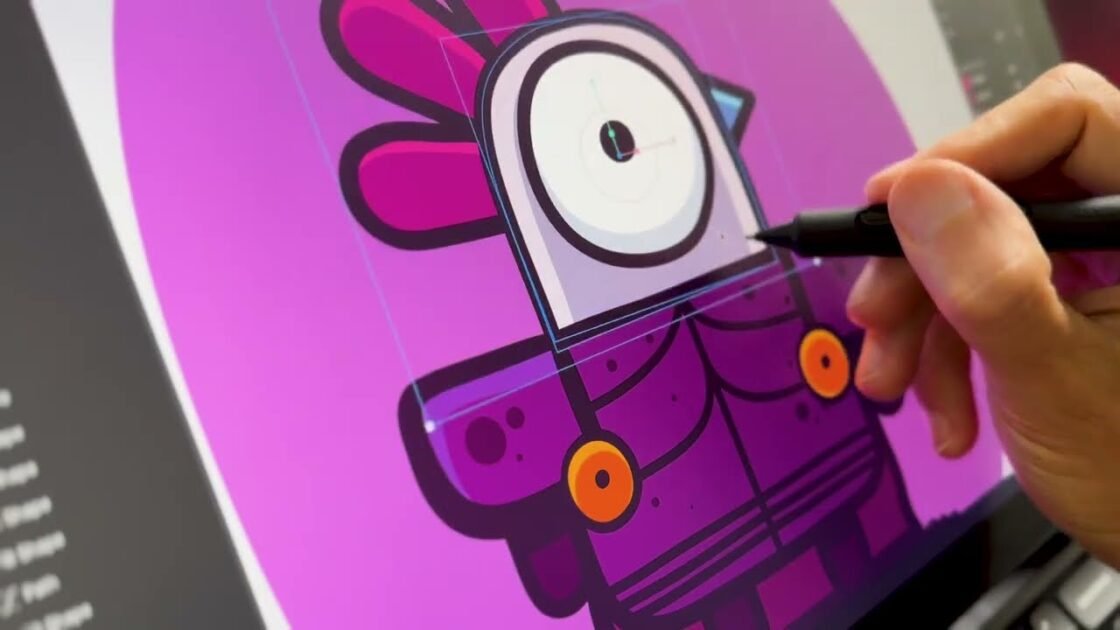
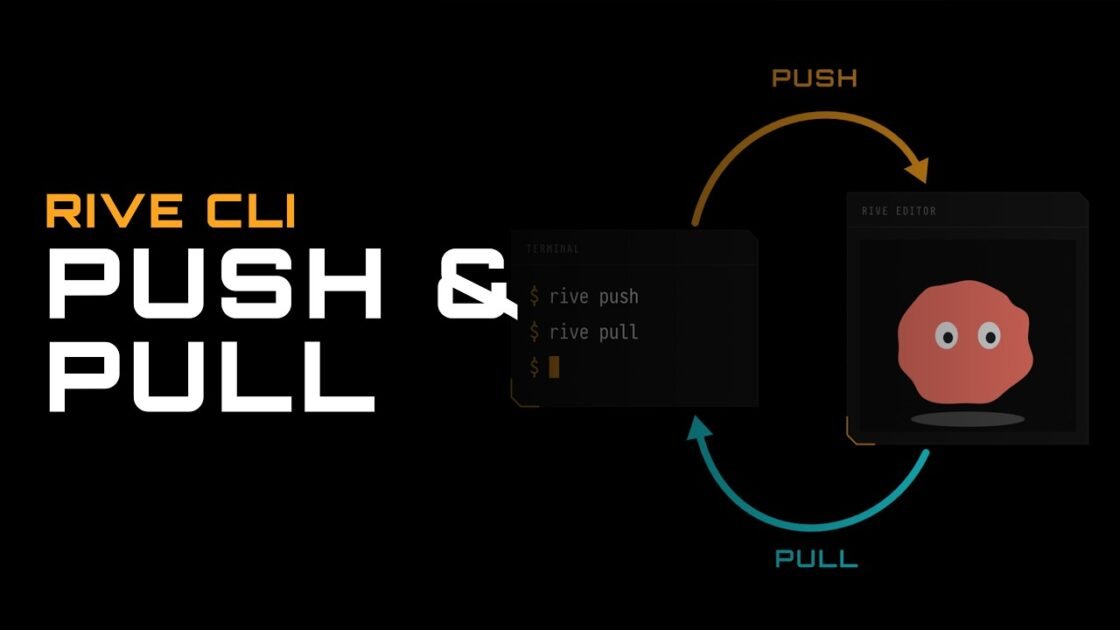
While AI agents excel at building systems, state machine logic, and data structures, human artists provide unique visual identity. Using two simple commands—rive push and rive pull—creators can seamlessly transfer projects between terminal codebases and the visual desktop editor:
- Visual Push (
rive push): Uploads local RML projects straight to cloud accounts or desktop editors as full vector graphics files (.rev). - Visual Polishing: Artists open the file to redraw vector characters, re-time animation keyframes, adjust typography kerning, and refine visual layouts without breaking underlying state machine input contracts.
- Local Pull (
rive pull): Downloads updated visual assets from the cloud editor back into the local project directory, overwriting local RML structures while preserving developer Git commit histories.
Multi-Platform Publishing and Deployment
Once a prototype is completed and refined, publishing the application for web browsers, desktop apps, or mobile runtimes requires a single final workflow step.
Issuing a web publishing command prompts the agent to generate an HTML host page pre-configured with the official Web Runtime. Compiling the project with publishing flags bundles RML markup, Lua logic scripts, external fonts, custom audio assets, and GPU shaders into a single runtime file (.riv). This lightweight file runs smoothly inside modern browsers, desktop frames, and mobile webviews, enabling creators to deploy, host, and share playable prototypes instantly. Youtube