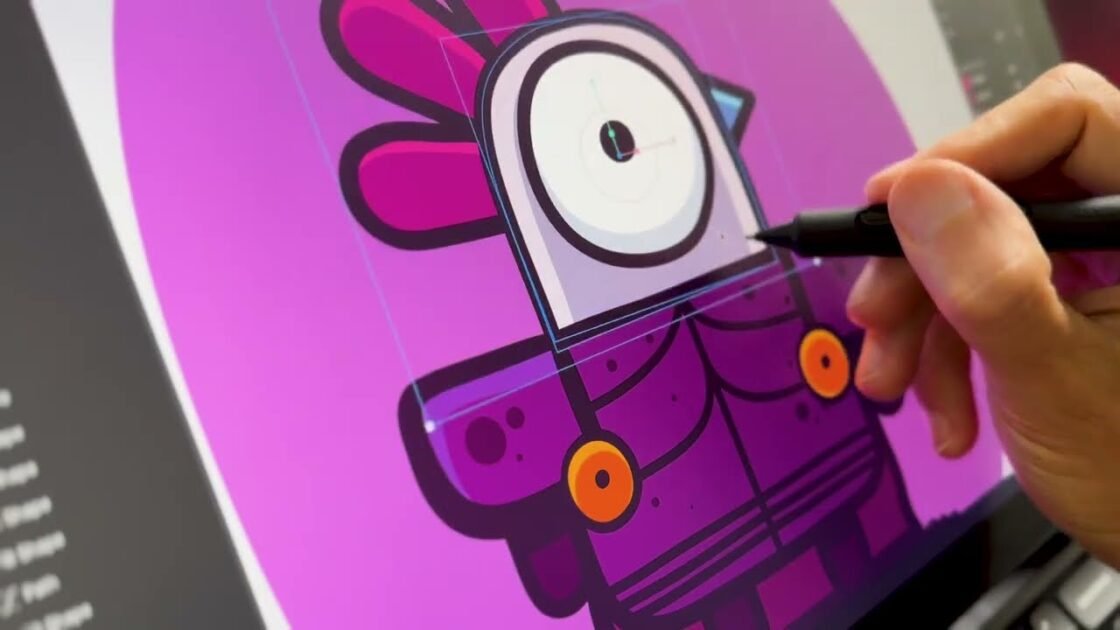

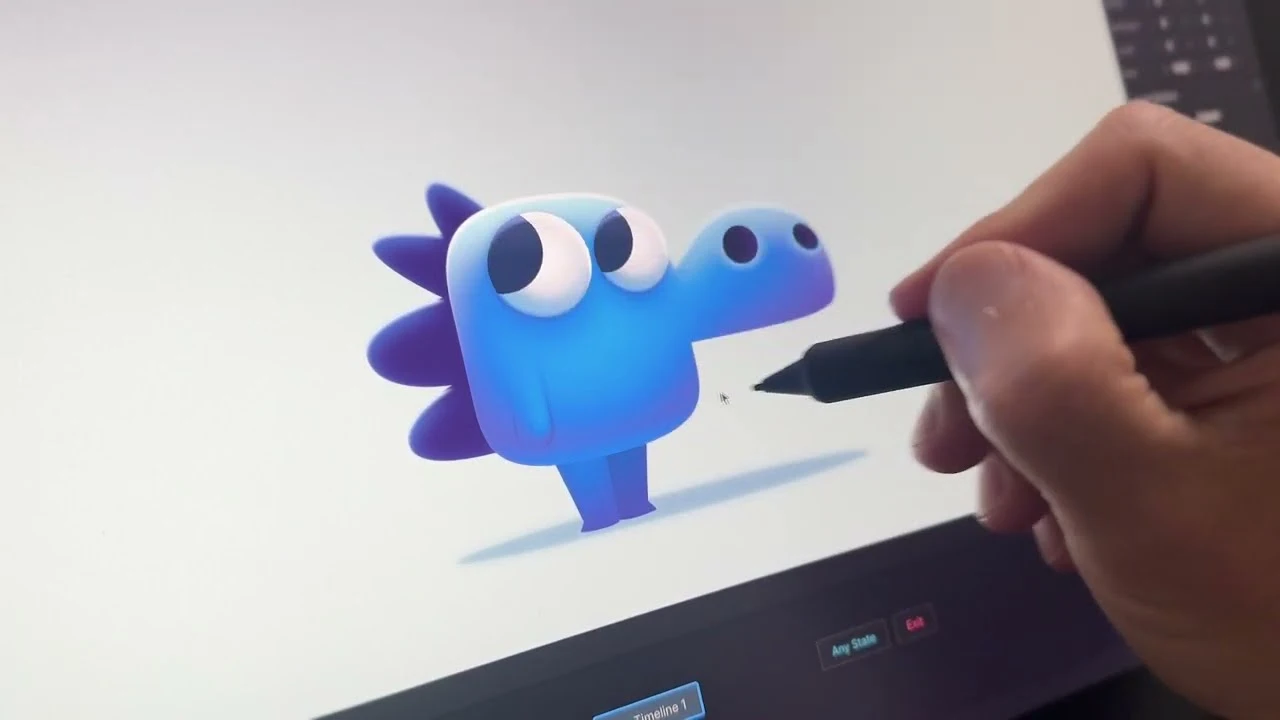
Discover the secret behind creating incredible 3D-like volume and depth in your 2D animations using Rive. In this quick tutorial, you will learn a step-by-step approach to mapping light, shadows, and reflections directly onto your character designs to make them truly pop off the screen.
The core technique relies on leveraging multiple fills, gradients, and Rive’s powerful feathering feature to simulate realistic lighting. By using inner feathering directions, you can easily define body shapes, establish a clear source of light, and seamlessly blend rim lights and bouncing ground reflections into your work.
You will also see how to apply these concepts to high-detail areas like the face and eyes, combining radial gradients, drop shadows, and delicate strokes to capture realistic focal points and eye reflections. Whether you are aiming to enhance a simple design or create a complex animated scene, mastering these feathering tools will give you the practical ideas you need to elevate your next vector animation project.