
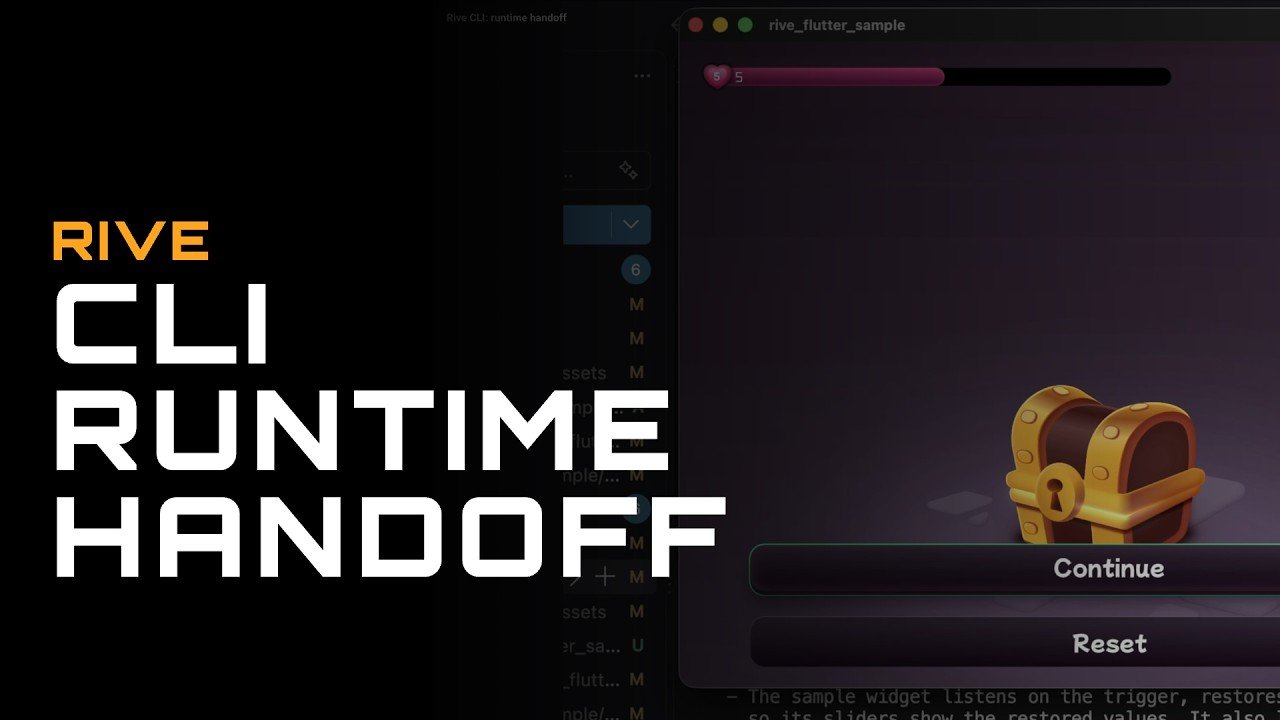
Modern real-time vector animation and interactive design workflows are undergoing a massive shift. The introduction of the Rive Command Line Interface (CLI) and Rive Markup Language (RML) bridges the gap between creative visual design and software engineering. By turning binary animation files into declarative, human-readable text code, developers and animators can now automate asset updates, integrate artificial intelligence agents into their build pipelines, implement accessibility screen reader features, and generate strongly typed code bindings directly from the terminal.
The Evolution of Rive File Formats: REV, RIV, and RML
Understanding how interactive graphics move from design concept to production runtime requires a clear view of how file formats function across the ecosystem:
- REV (.rev): The comprehensive backup and project editor format designed to store complete visual layouts, vector paths, bone rigs, timeline keyframes, and state machine configurations for desktop or web editors.
- RIV (.riv): The stripped-down, highly optimized binary file delivered directly to web browsers, mobile apps, and game engines for high-performance runtime execution.
- RML (.rml): The new declarative markup format structured similarly to XML and YAML. Designed to be human-readable and agent-parseable, RML allows text editors, build scripts, and generative AI models to inspect, edit, and reconstruct complex interactive graphics programmatically.
Converting binary project files into version-controlled RML text enables engineering teams to track granular visual changes using Git, manage code reviews with standard pull requests, and keep design assets synchronized with application codebases.
Automated Code Generation and Flutter Runtime Integration
Integrating dynamic graphics into application runtimes often involves writing boilerplates to connect state machine variables to app logic. By pairing the Rive CLI with terminal-based AI agents, developers can convert RML scene files into type-safe code contracts automatically.
The automated runtime handoff pipeline includes key operational steps:
- Parsing View Model Data: The CLI inspects view model properties, nested inputs, and trigger states defined within
scene.rmlfiles. - Type-Safe Dart Class Generation: AI agents generate native Flutter and Dart data models that reflect view model structures using standardized naming conventions, such as camelCase for properties and PascalCase for view model instances.
- Real-Time Config Overlay Creation: Agents build live developer overlays, enabling engineers to tweak dynamic variables—such as player health bars, currency counters, or item counts—in real time on active application builds.
- Automated Asset Synchronization: Modifications made to RML properties automatically recompile into production runtime assets (
.riv) and update target asset directories inside application projects without requiring manual file exports.
Advanced UX Features: Keyboard Focus and Screen Reader Semantics
Creating inclusive and accessible digital experiences requires graphics to react to keyboard navigation and screen readers. Historically, vector canvas elements were treated as flat visual targets driven exclusively by mouse pointers or touch gestures. Modern CLI workflows introduce native focus management and web semantics directly into vector graphics architecture.
Key focus and accessibility updates include:
- Dynamic Keyboard Focus Management: Elements like interactive buttons, input fields, and UI cards can capture active keyboard focus. Pressing Tab or directional arrow keys cycles focus sequentially across UI elements, applying visual focus states to highlight targeted components.
- Accessibility Semantics: Declarative RML structure supports semantic tags and roles, such as defining buttons, text labels, or slider controls for screen reader navigation.
- Screen Reader Interaction: Enabling assistive technologies like macOS VoiceOver or Chrome accessibility engines allows screen readers to announce real-time text values, describe component roles, and trigger tap actions programmatically on focused canvas assets.
Local Development, Hot Reloading, and Dual-Source Version Control
The terminal-driven workflow complements the visual editor through a bi-directional synchronization process. Designers can tweak visual aesthetics while developers iterate on runtime logic, keeping both environments aligned throughout the production lifecycle.
The hybrid workflow benefits from key technical features:
- Live Preview Engine: Running project previews via the CLI opens a local rendering canvas that hot-reloads instantly whenever the underlying
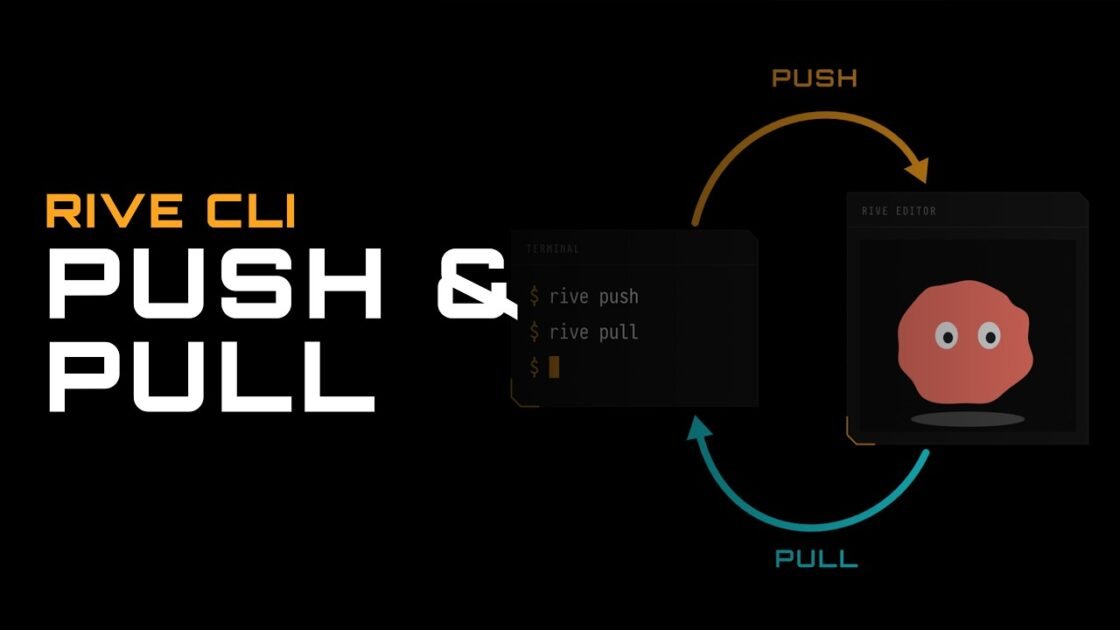
scene.rmltext file changes. - Seamless Visual Polishing: Developers can use terminal commands to push updated project files back to cloud servers or pull visual modifications made by motion designers inside the editor interface.
- Dual Revision Tracking: Visual assets benefit from visual revision histories saved inside the cloud editor while simultaneously maintaining text-based Git commit histories for local RML files, project manifests (
rive.yaml), and agent instruction guides (AGENTS.md).
Mastering the Rive CLI, declarative RML syntax, automated code generation, and accessibility semantics enables product teams to build performant, fully accessible, and state-driven interactive graphics for web, mobile, and desktop applications. Youtube