
- 🌐 Global View Models: view models can now live at the file level instead of belonging to a single artboard. Create one from the Data panel’s + menu under View Model → Global, and bind its properties from any artboard or component in the file. Use them as design tokens: define your colors and sizes once and restyle the whole file by changing one value (can also be used as a Library). Keep a score or cart total that every screen displays in sync, or swap all your UI copy to another language at once, with no need to wire the same values through each component by hand. Global properties show a badge in the property picker and list first when you bind.
- 🔀 Shape Builder: a new tool for combining and carving overlapping shapes, in the shape tool menu in the toolbar or with Shift+M. Select your shapes, then click a region to make it its own shape, drag across regions to merge them, or hold Alt/Option to erase.
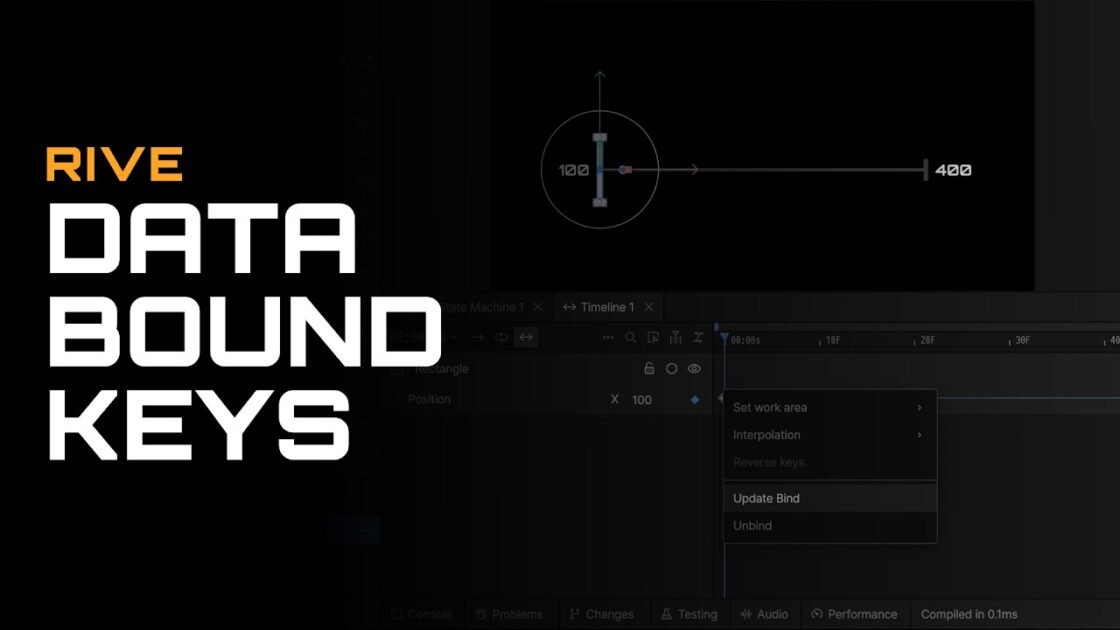
- 🛤 Motion Path handles on the stage: select a keyed object and you can now reshape its motion path directly on the stage:
- Drag a keyframe anchor to move the keyed x/y
- Drag bezier control points to shape a segment; hold Alt/Option for independent handles
- Grab any segment and pull to bend it
- Cmd/Ctrl+click a keyframe to smooth the path through it
- 🔑 Edit multiple keyframes at once: select keyframes in the timeline, put the playhead on one of them, then edit that property in the inspector and every selected keyframe follows. Dragging or arrow keys move them all by the same amount; typing a value sets them all to it. Dragging on the stage works the same way, and Esc puts everything back.
- ⭐ Favorite files and pinned projects: right-click any file to Add to Favorites (a star shows on the file), and find them all in the new Favorites view below Recents, sortable by recently favorited, last modified, or name. Right-click a project in the sidebar to Pin it and it stays at the top, just below Personal Files.
- 🔤 Data binding for fonts is now available to everyone.
- 🏷 Tags in the playback data tree: tags now show in the Data panel’s playback tree, and you can add or remove them from its right-click menu.
- 🙈 Private view model properties: property names starting with an underscore (like _internal) no longer get a naming warning, and a new Private properties option in the Data panel’s right-click menu hides or shows them in the playback tree.
- ⌨️ Enter creates the property in the data binding popup’s New Property tab (the + icon), instead of triggering an unrelated editor shortcut.
- 🖌 New Contour highlights correctly: clicking New Contour in mesh editing now lights up New Contour itself instead of Edit Contour above it, and a second click turns the pen off without clearing your contour.
- 📐 Ruler guide fixes: guides stay selected after you drag them off the ruler, can be grabbed right where you dropped them, and can be moved outside the artboard. The guide line and the ruler preview now line up exactly, and guide lines render crisper.
- 🪶 Feather fix: converting a fill to a stroke with Shift+X no longer carries the fill-only inner feather setting along, which caused rendering artifacts.
- ✒️ Text stroke fix: stroke thickness, cap, and join now apply to letters faded by an opacity modifier. Stroked text with a falloff used to lose its stroke in the faded range, as reported here.
- 📚 Smaller published libraries, and publishing now protects against accidentally publishing an out-of-date version of your file.
- 🎞 Cloud Renderer artifacts fixed: exports now render with 4x anti-aliasing.
- 🪟 Windows crash and hang fixed when closing the app while an animation was still rendering.
- 🎨 Artboard opacity, rotation, and scale: set them in the inspector or with rotate and scale handles right on the stage. Selection, resizing, and the artboard title all follow the transform. Works in all runtimes.
AI Agent
- 🤖 More reliable state machine tooling: listeners are created correctly on artboards and targets can be referenced by name, as reported here.
- 🔢 Animation values now use the same units you see in the editor (opacity 0-100, degrees).
- ⏳ Steadier working indicators: no more flickering, disappearing stop button, or stuck states after an error.
- 💬 Long agent conversations no longer crash after being summarized.