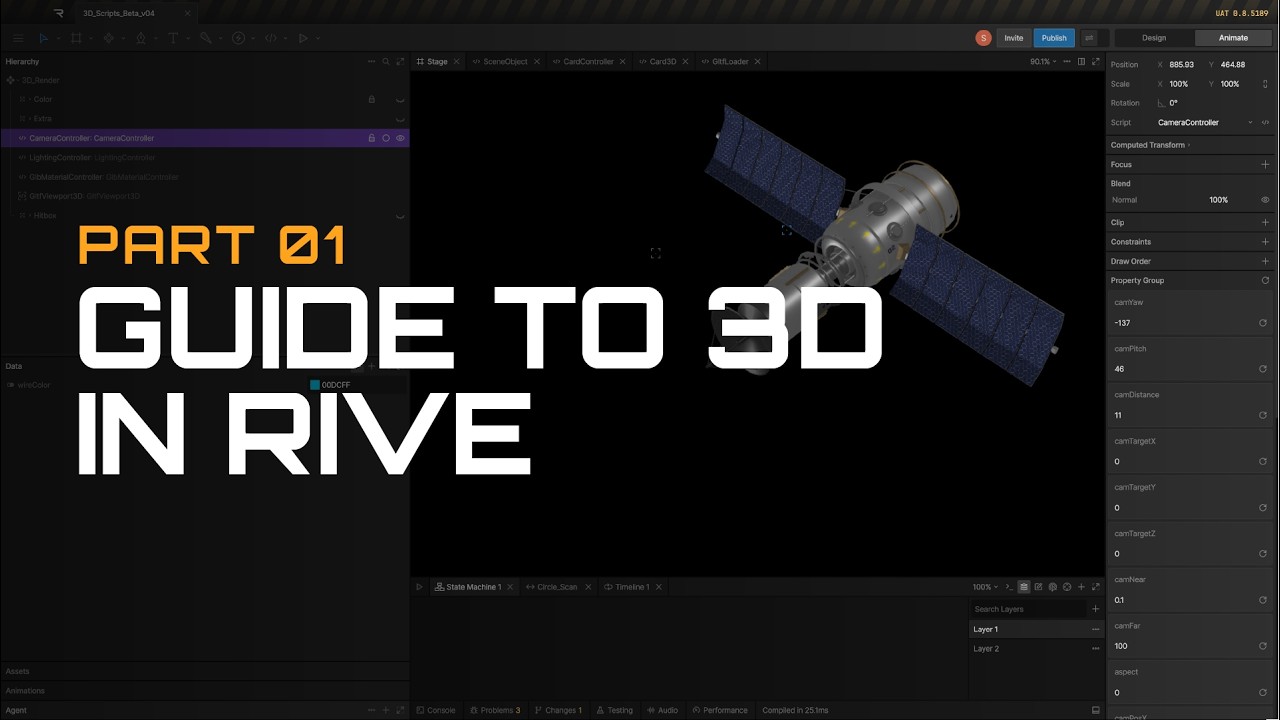

Discover the exciting new world of low-level 3D design and custom shaders inside Rive with this comprehensive two-part tutorial series. The first guide walks you through the foundational steps of building your own custom 3D scripts from scratch using powerful AI assistants. You will learn how to set up essential scripts for importing glTF models, managing key controls, and refining your code interactively. In the second part, you can skip the manual setup by downloading and utilizing polished, ready-to-use 3D scripting templates. This advanced setup introduces highly intuitive features like camera orbit controls, customizable lighting angles, and adjustable material roughness. Creators can explore a wide variety of rendering options ranging from realistic physically based rendering to stylized toon shaders. The series also covers powerful techniques like dynamic UV projection and integrating 2D animated layers directly within your 3D canvas. Elevate your motion graphics and interactive design projects today by mastering these cutting-edge 3D tools in the Rive early access build.