
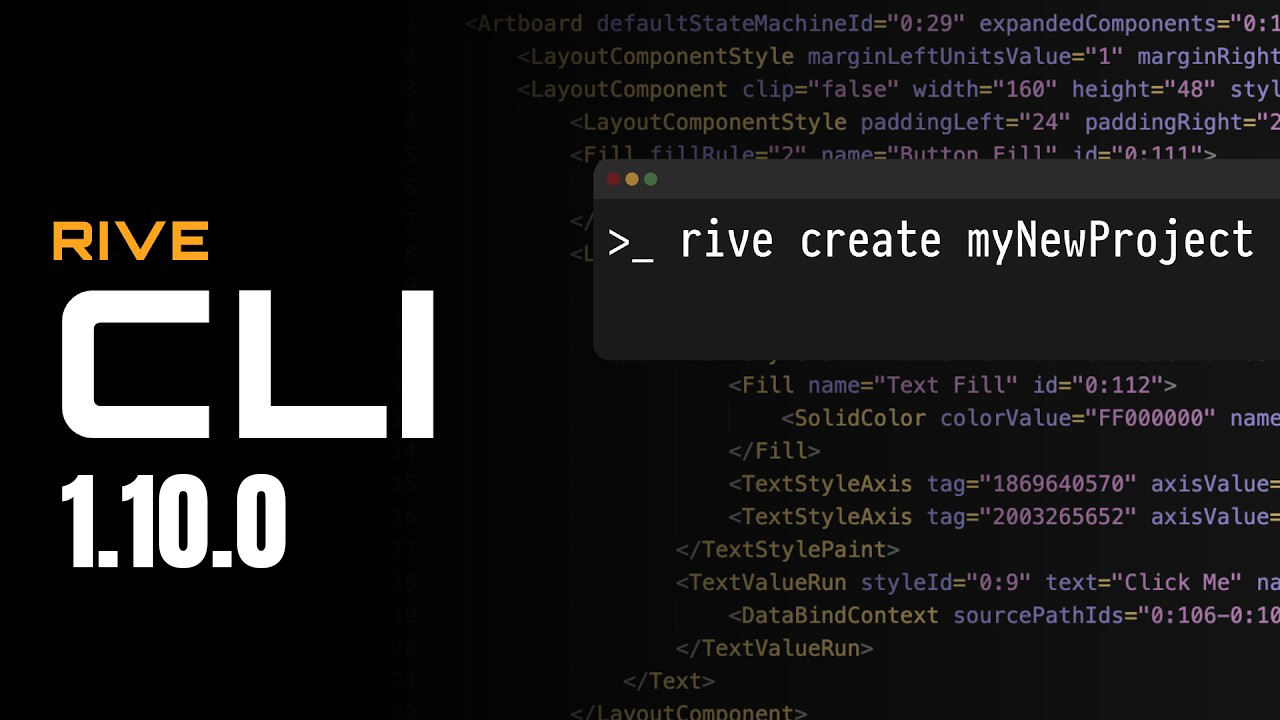
This release turns SVG files and text prompts into Rive shapes, converts Luau projects to AnimaScript, lets your agent control the preview window while you watch, and fixes a crash at launch on some Windows machines. One change needs action: timeline names are now left out of a .riv unless you ask for them (see RML below). Update with rive update (curl install) or brew upgrade –cask rive-cli (Homebrew).
Art
- 🖼️ Turn SVGs into Rive shapes: rive svg <file.svg> converts an SVG file into Rive shapes you can edit, animate, and rig. Paths, fills, strokes, gradients, clipping, and dashed lines all come across.
- ✏️ Generate art from a prompt: rive illustrate <what to draw> creates vector art with QuiverAI and converts it into Rive shapes. To convert a picture instead, add –image=<file|url> (PNG, JPEG, WebP, or GIF). It uses your Workspace’s agent credits, so sign in with rive login first.
Previews and automation
- 🎮 Let your agent control the preview window: with rive <dir> –commands –window, your agent can click, drag, and type in the preview window while you watch. It can also use data <path>=<value> to change data in the running scene.
- ⌨️ Type text and set global data without a window: when the CLI runs without opening a window, –text=<text> types into the focused Text Input, and –data=globals/<name>/<path>=<value> sets a value in a global view model.
- 🌐 Wait for downloads before a capture: –wait-net waits until a script’s downloads finish before taking the next capture step. You only need it for scenes that download more data after the first response.
- 🪜 Fewer, better keys: builds now warn when an animation has a key every few frames. A few keys with easing look the same and are much easier to edit. The built-in docs now show how to key an animation from a few main poses.
- 🤖 See which agent pushed a change: when a coding agent like Claude Code, Codex, or Cursor runs rive push, the file’s history now shows that agent as the author. Other agents can name themselves with the AI_AGENT environment variable.
- 🩺 Crash reports: when the CLI crashes, it sends us a report the next time it runs. The report has the stack trace, the command name, and an identifier for your install, but never your command’s arguments or your files. It follows your analytics setting, so rive analytics off turns it off.
Publishing
- 📌 Published pages keep their runtime: a published web page now keeps the Rive web runtime version it was published with, so a new runtime release can’t change it. To choose a version, set pages.runtime in rive.yaml to a version like 2.47.1, or to latest to always use the newest one. –runtime=<version> sets it for a single publish.
- 🃏 Choose your page’s preview image: set pages.socialCard in rive.yaml, or pass –social-card=<path> for one publish, to pick the image people see when your page’s link is shared in a chat or a post. Use a PNG, JPEG, or WebP up to 5 MB (1200 x 630 works best). Every plan can use it.
Libraries
- 🧷 Unchanged scripts stay unchanged: when you edit one script in a library and publish a new version, the library’s other scripts keep their identity. Before, they showed up as new components, and rive library update left them on the old version.
- 🔄 Easier library updates: rive library update now tells you what a new version removes and when an update goes to an older version. You can also run add, update, and remove on a project that doesn’t build, so you can use them to fix it. remove now accepts the library’s name.
- 🧪 Tests stay out of libraries: rive library publish no longer includes test scripts or anything in a tests/ folder.
Push and pull
- 📥 Pull files that have misplaced objects: some Rive files contain an object attached to a parent that markup doesn’t allow. rive pull now explains which objects these are, and rive pull –less-strict pulls everything else and lists what it left out.
RML (the markup the CLI compiles)
- ⚠️ Timeline names are now opt-in: builds now leave timeline names out of the .riv. If your app or a script plays a timeline by name, add exportNameValue=”export” to that timeline. State machine names are still included unless you set them to skip. Layer names are no longer included. Older markup with a <Backboard> whose coreVersion is below 9 keeps all its timeline names.
- ⚠️ Capture listeners no longer block presses: a listener in the capture phase (the one that runs before everything inside it) now lets the press reach the Components and Text Inputs inside its target. To block the press like before, add listenerFlags=”1″ to the listener.
- 🌐 Set a language on text: add language to <Text> elements, text runs, or <TextInput> elements with a code like ja (Japanese) or zh-Hans (Simplified Chinese). The text then uses the right character shapes and backup fonts for that language. You can bind it to switch languages at runtime.
- 🩹 Inline scripts keep building: a script or shader written directly inside <ScriptAsset> or <ShaderAsset> (instead of in its own file) no longer fails on its second build.
Scripting
- 🎯 Point a script at another object: a new NodeRef script input points at another object in the same artboard, and it still points there in exported files. Set it in markup with a <ScriptInputComponent componentId=”…”> element.
- 🖼️ Show downloaded images: loadImage turns PNG, JPEG, or WebP data into an image. A script can now download a picture and draw it, or show it through a bound image.
- ⏳ Downloaded data shows up right away: when a script waits for a download and saves the result, the scene now updates at once.
- 🛑 Builds catch broken scripts: a build now fails when a Luau script has an error, a script points to a missing file, or a shader doesn’t compile. A capture or benchmark also fails if a script fails while it runs. Luau test scripts now stay out of the .riv, as they do in the Editor.
- 🧱 More reliable GPU Canvas shaders: shaders now look the same on more GPUs. A script that reads from a GPU Canvas right after drawing into it now gets the new pixels instead of the last frame’s.
AnimaScript
- 🔁 Convert Luau to AnimaScript: rive port <dir|file.rev> <out-dir> copies your project into a new folder, adds an AnimaScript version next to each Luau script, and switches the copy to AnimaScript. It then builds the copy and lists anything it couldn’t convert. It works on .rev files from the Editor too.
- ⚡ Faster previews: previews now run scripts at full speed. Add –debug when you want to use the debugger. Every console message now shows which script and line it came from.
- 📦 Read large data in small pieces: context.blob(name) now returns a BlobAsset. Use readInto to read only the part you need, or toArrayBuffer to get all of it. Paths can also be read one point at a time, without creating new objects, using pointCount and the verbAt(i) and pointAt(i) methods.
- 🗝️ Use view models as Map and Set keys: the same view model, property, or data context now always matches itself when used as a Map or Set key, and instanceId gives you a stable identifier for it. Your own classes used as keys need a hash() method if they define their own == operator.
- 🧵 Stop parallel work cleanly: when one part of a parallel call fails, the other parts can check part.stopping() to see that the call was stopped, so a part that’s waiting can exit instead of waiting forever.
Runtime
- 🪟 Windows launch crash fixed: on some Windows machines, for example ones running certain security software, the CLI crashed as soon as it started. It now starts normally. As reported here
- 🔣 Emoji and accents draw correctly: an emoji like 1️⃣, or an accented letter the font doesn’t have, now draws once from a backup font. Before, part of it could repeat (like “1111”).
- ⌨️ Faster typing in long text: typing in a Text Input that holds 10,000 lines is now over 30 times faster.
- 🫳 Smoother trackpad scrolling: in a scroll view that scrolls in both directions, a trackpad flick no longer pauses for a moment after you lift your fingers.
- 🧮 Faster formulas: formula converters now run faster. In a test file with 341 formulas, each update took 15% less time.
Built-in CLI docs (run rive docs to read them)
The docs that ship with the CLI, which agents read to build scenes.
- 📚 New guidance: how to place UI with layouts, build image meshes for rigging, key animations from poses, and write markup by hand. The docs also explain that an app can load fonts and other assets at runtime that aren’t in the file.