
Mascot Animation
This project introduces a dynamic, character-driven UI element designed to elevate user onboarding and application guidance through engaging micro-interactions. The final result bridges the gap between vector illustration and motion design, turning static tutorials, feature rollouts, and empty states into an intuitive and memorable experience.
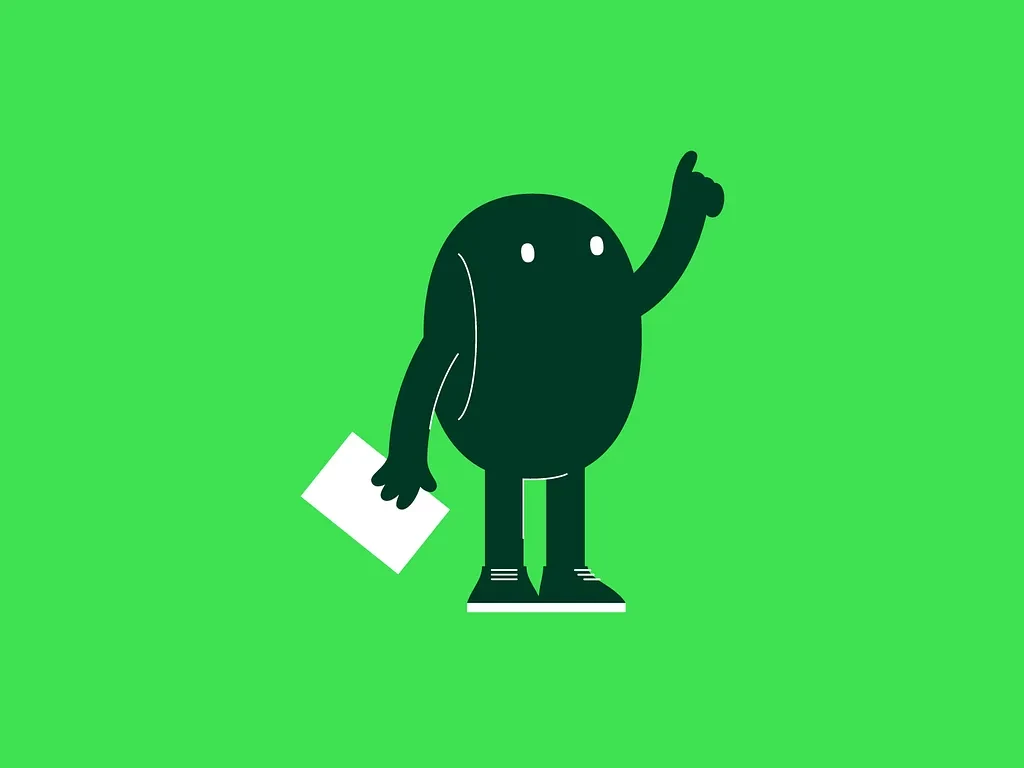
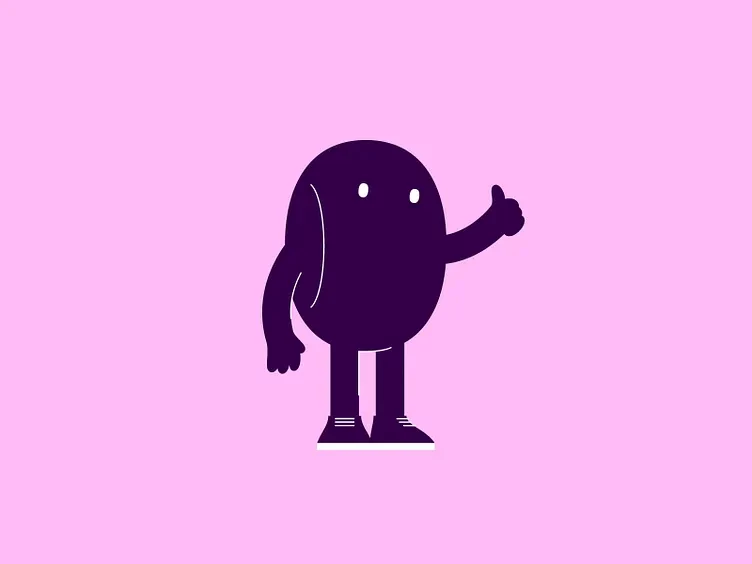
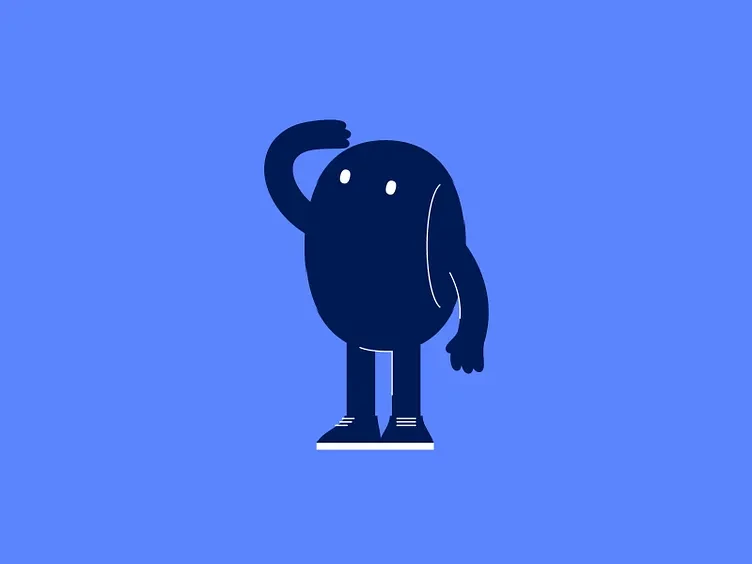
This project focuses on designing and animating a minimalist, character-driven interface element intended to improve user onboarding and interactive guidance. The asset features a dark green, stylized bean-like character set against a vibrant green background, holding a document in one hand while pointing upward with the other to direct user attention. It bridges the gap between static vector illustration and dynamic UI feedback, providing a friendly, recognizable mascot that guides users through application features, empty states, or tutorial steps.
Creating a character that feels both fluid and highly responsive within a live interface requires balancing complex vector artwork with lightweight performance execution.
The result is a versatile, performance-ready character asset that successfully combines high-quality visual style with technical utility. By utilizing distinct layering and precise anchor positioning, the character is prepared for complex rigging and state machine implementation, allowing it to react dynamically to user interactions. The final graphic provides a memorable, engaging point of contact for users, effectively turning standard interface guidance into an intuitive and brand-cohesive experience.