

- Game UI Animation


- Game UI Animation
- Game UI Animation
- Game UI Animation
- Game UI Animation
- Game UI Animation
- Game UI Animation
- Game UI Animation
- Game UI Animation
- Game UI Animation
- Game UI Animation
- Game UI Animation
What I build
Examples
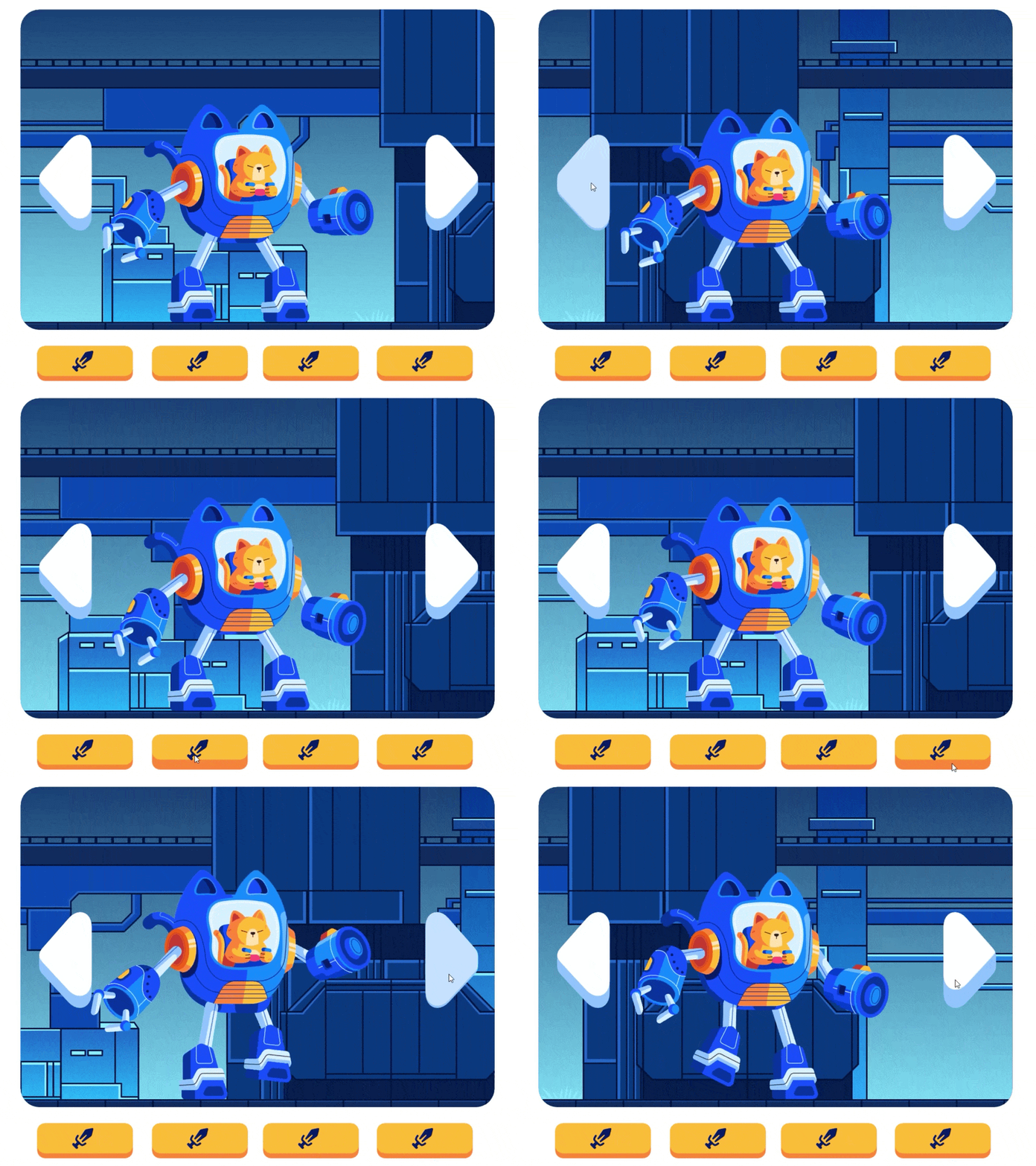
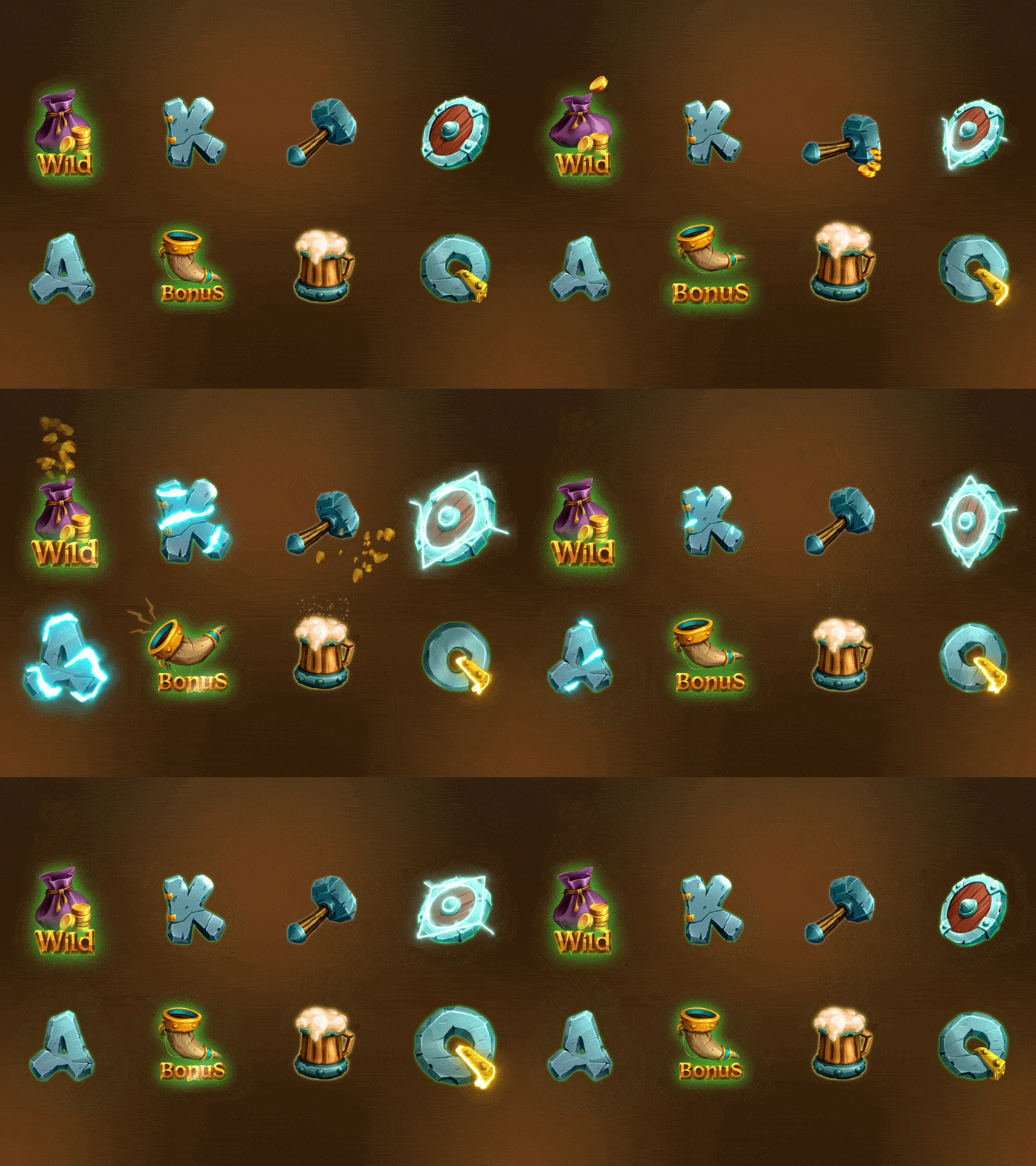
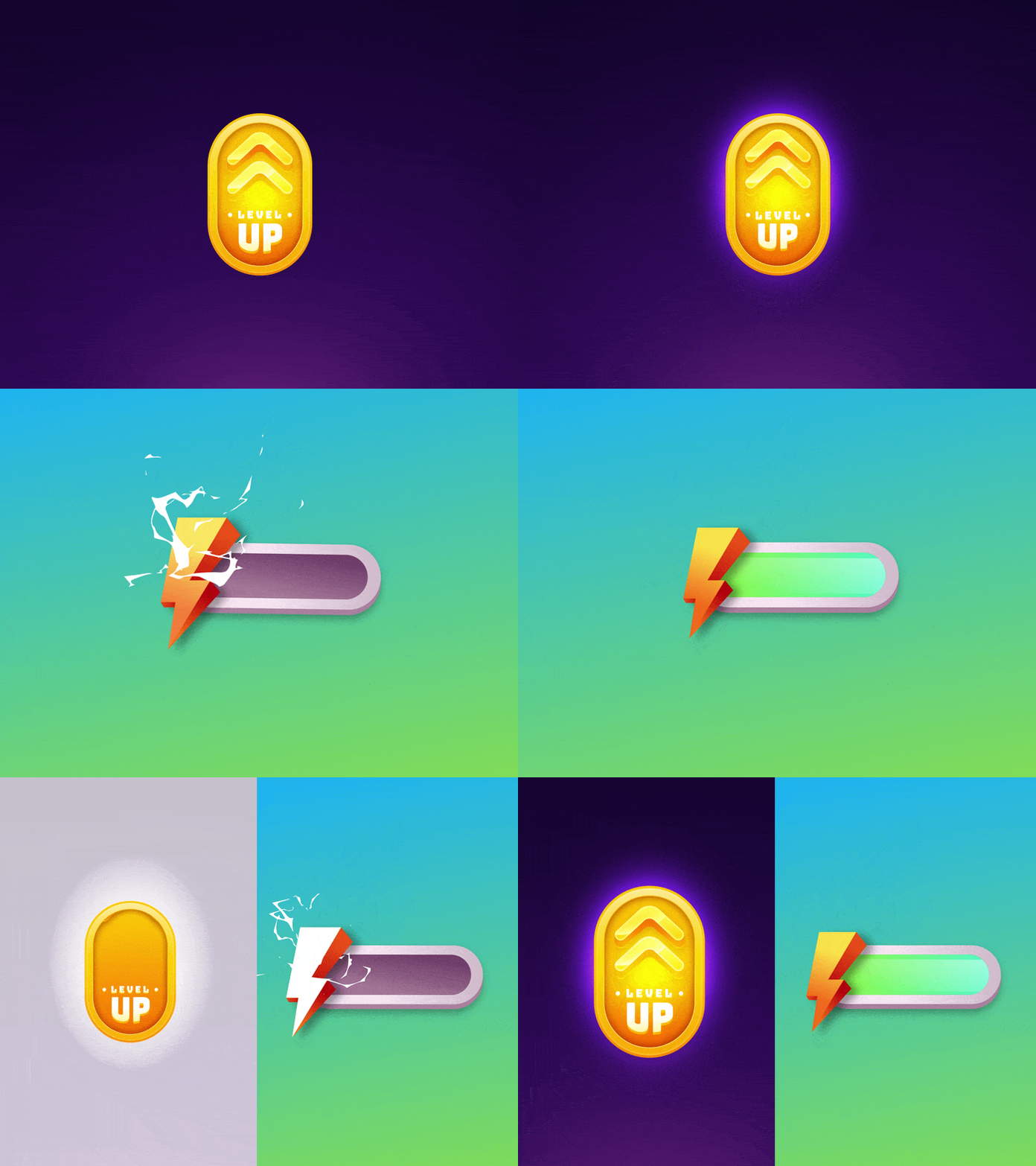
How it works
Brief: screens, art style, engine and input methods (touch, mouse, gamepad).
UI states list and quote.Animation in Rive, with previews you can click through.
Handoff: .riv files with named inputs, events and data binding properties for your developers.
What you get
Game UI that runs in real time inside your engine, reacts to game data and player input, and stays small enough for mobile games.
FAQ
Does Rive work in Unity? Yes. Rive has a Unity runtime, as well as runtimes for web and mobile. Tell me your engine and I'll check the features you need.
Can the UI show live game values? Yes. Health, scores and timers can be passed in through data binding.
Can it work with a gamepad? Yes. Focus and press states can be set up for controller navigation.