

- Onboarding Animation


- Onboarding Animation
- Onboarding Animation
- Onboarding Animation
- Onboarding Animation
- Onboarding Animation
- Onboarding Animation
- Onboarding Animation
- Onboarding Animation
- Onboarding Animation
- Onboarding Animation
- Onboarding Animation
What I build
Examples
How it works
Brief: your onboarding flow (screens, steps, or a recording of the current one).
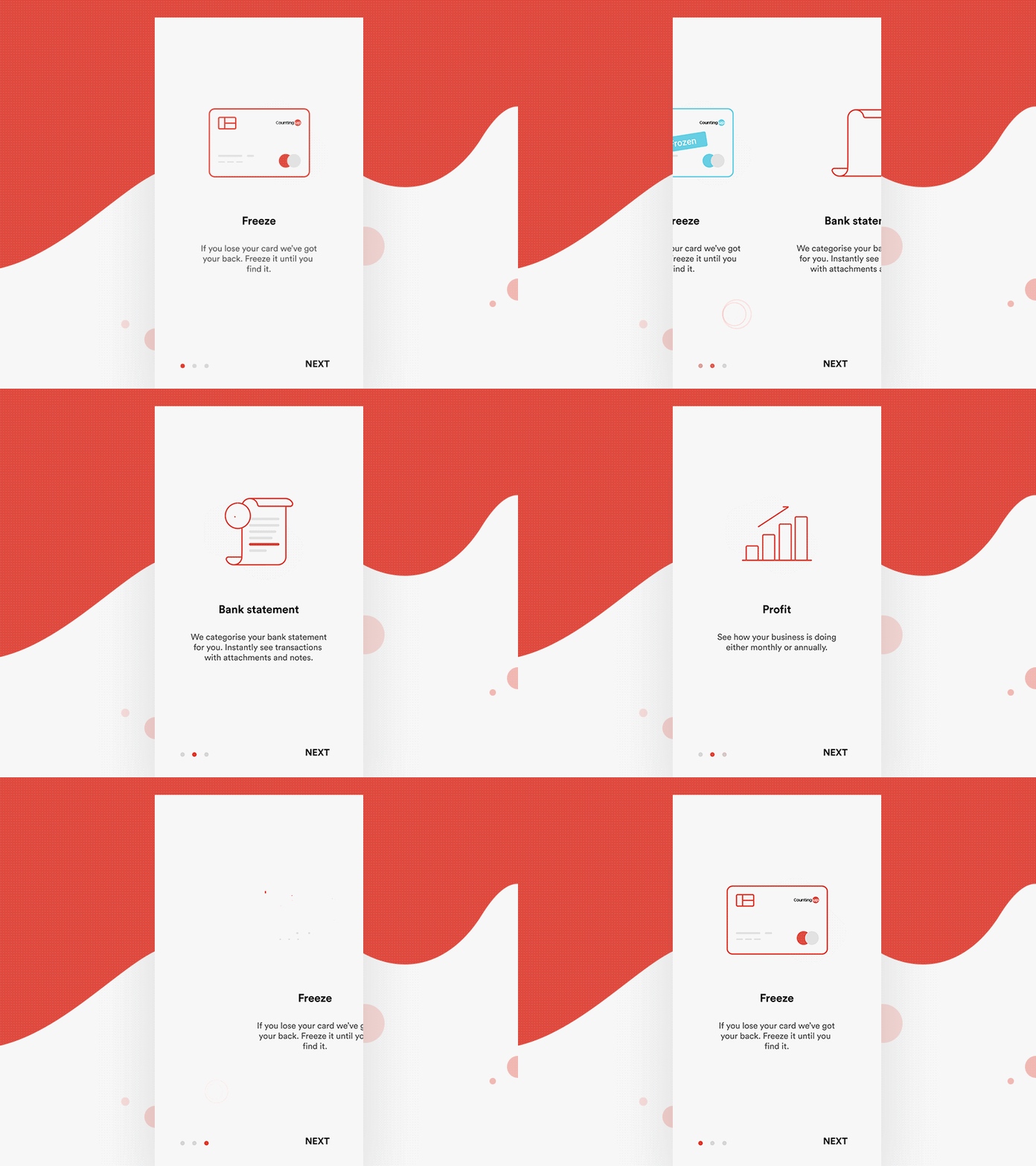
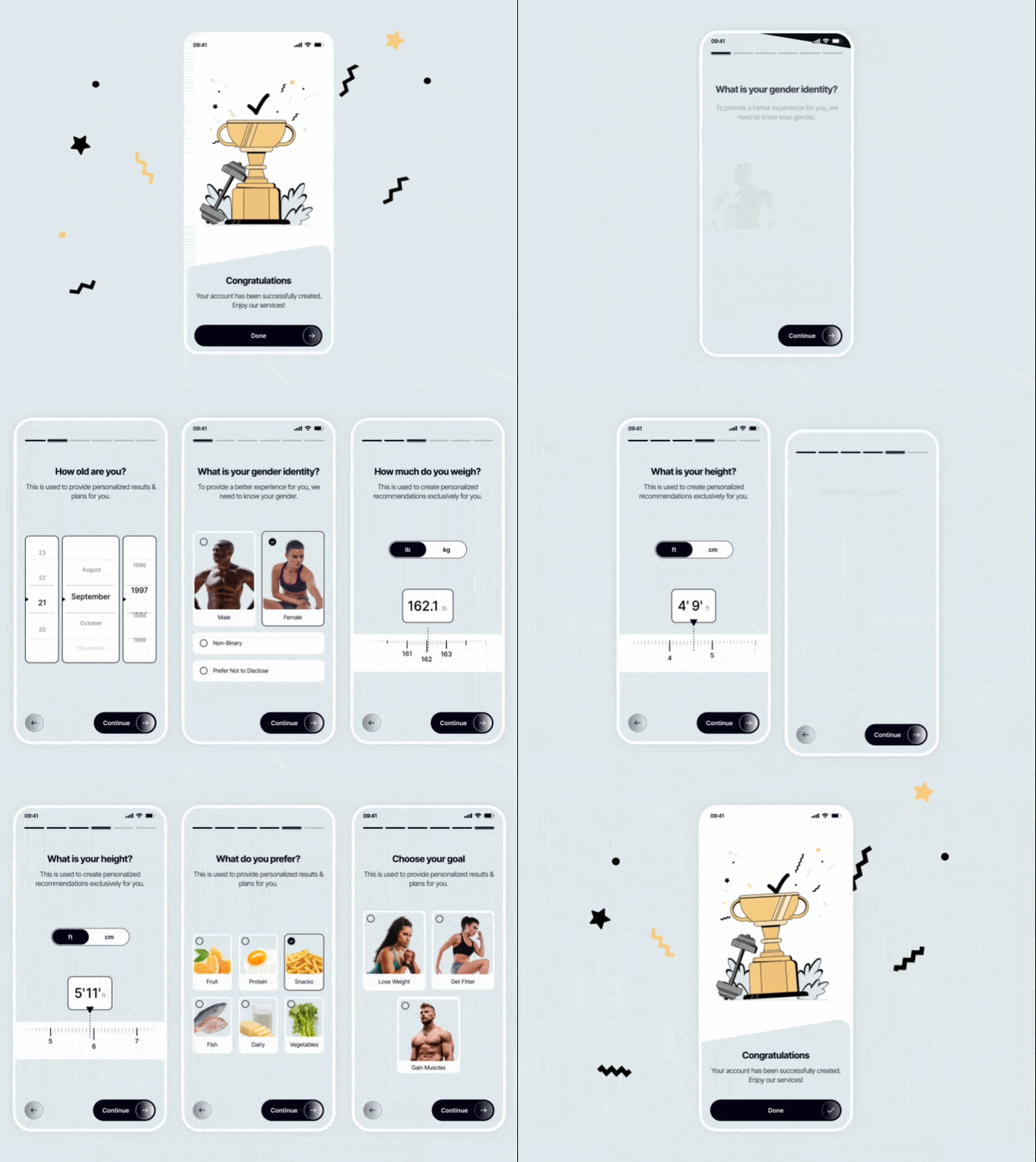
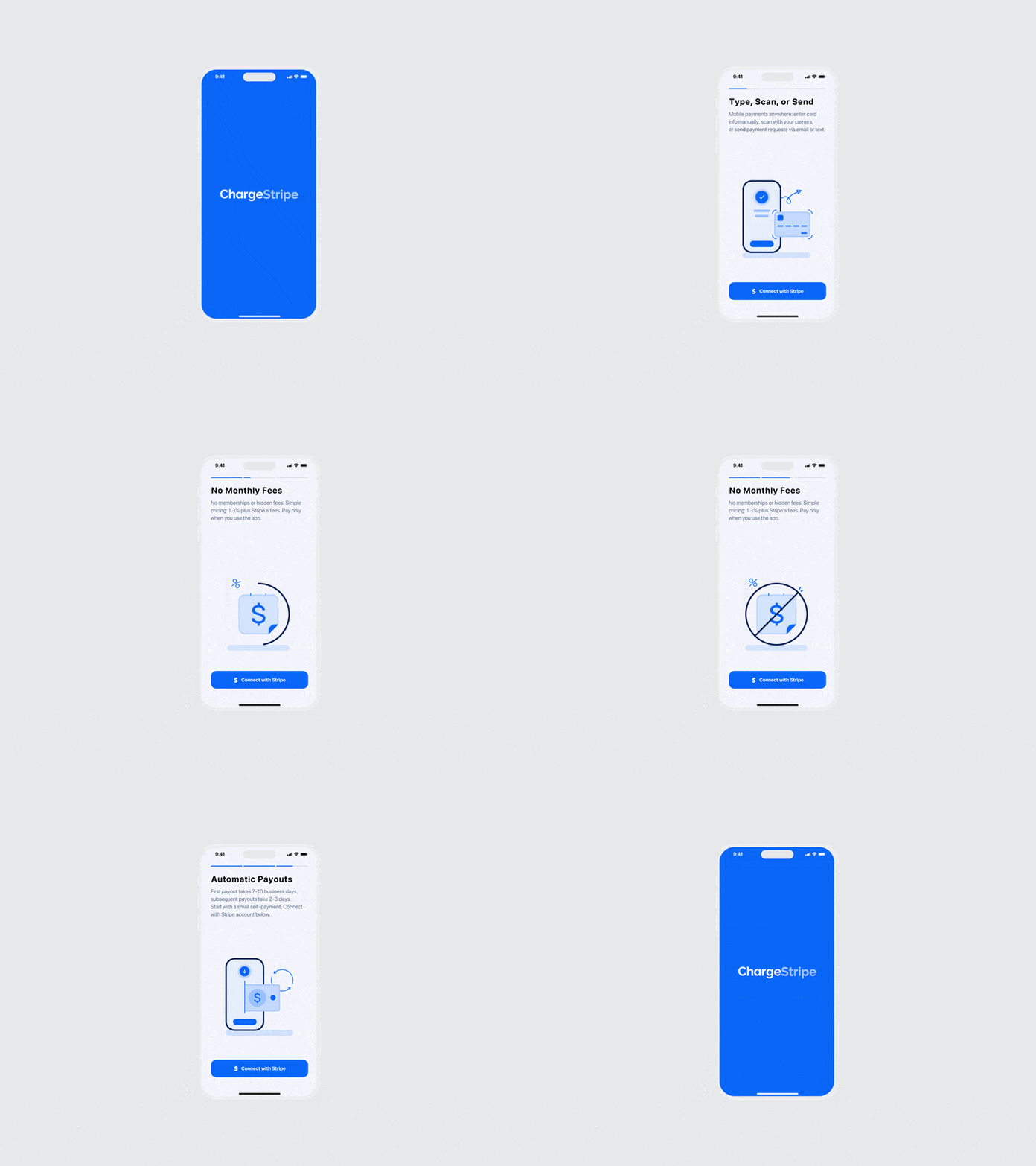
Storyboard and quote: what animates on each step.
Animation in Rive, with one state or artboard per step.
Handoff: .riv file, step-by-step input names and integration notes.
What you get
One file that follows your user through onboarding: your app moves to the next state at each step, so the animation always matches where the user is.
FAQ
Can one character guide the whole onboarding? Yes. One character can hold every pose and step in a single file.
Can onboarding animation be skipped or replayed? Yes. Your app controls the state, so skip, back and replay are easy to support.
Does this work for web apps too? Yes. The same file runs in web, Flutter, React Native, iOS and Android.